
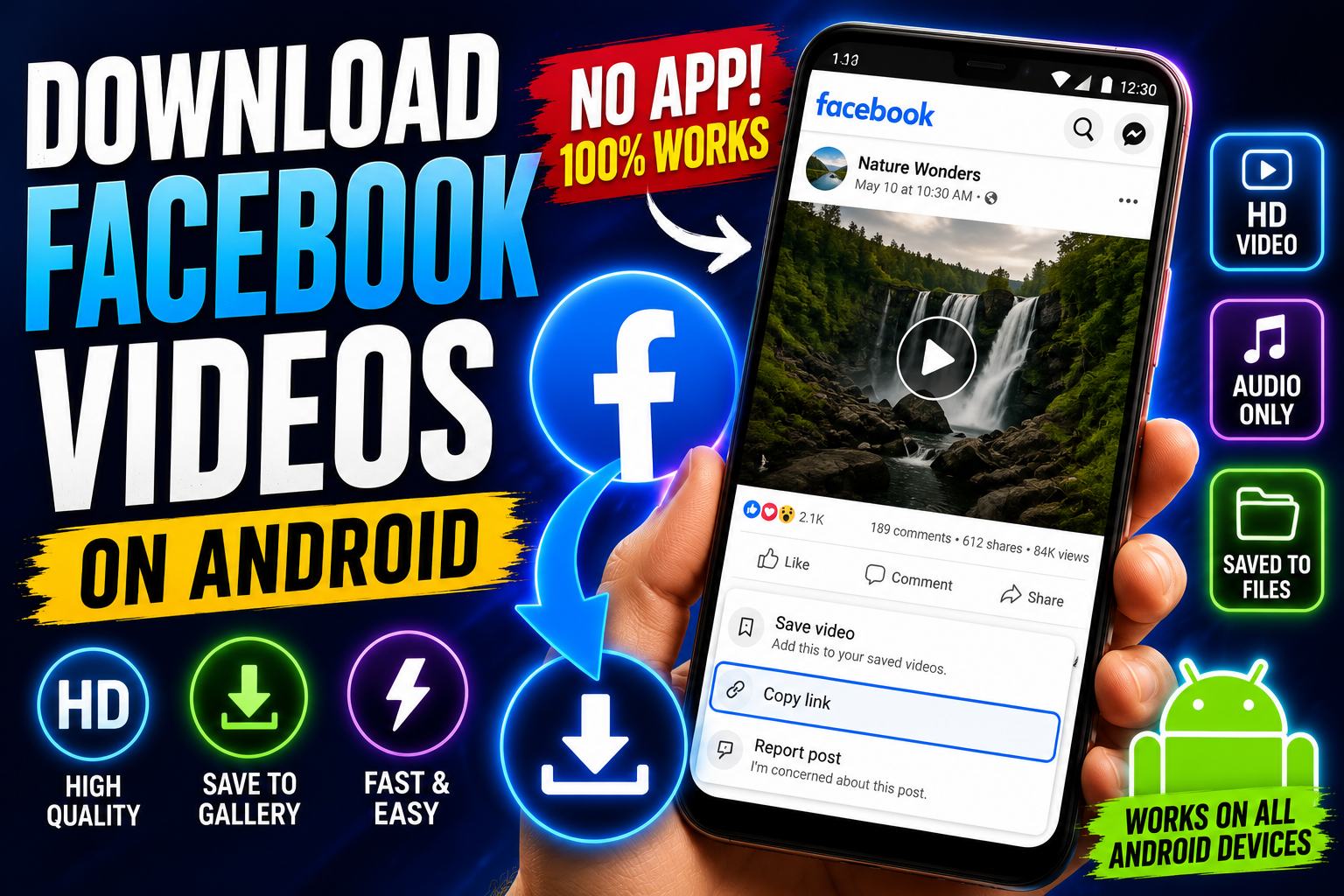
How to Download Facebook Videos on Android
Facebook still has a huge amount of content that doesn't exist anywhere else — old family videos, local community group posts, Marketplace listings, Watch clips, live streams from events you couldn't attend in person. But saving any of it to your Android phone isn't straightforward, since Facebook doesn't offer a native download button for most videos.
Why Facebook makes this harder than it should be
Facebook's app is built to keep you watching inside Facebook, not saving content elsewhere — which makes sense for their ad revenue, less so for you if you just want a video saved for offline viewing. Screen recording is the usual workaround, but it comes with the same problems as it does on any platform: you capture the whole screen, including Facebook's UI, plus whatever notifications interrupt the recording. A dedicated tool pulls the actual video file instead.
Step-by-step: downloading a Facebook video
Find the video in the Facebook app, whether it's a Watch video, a friend's post, or a public group video.
Tap the three dots in the top right corner of the post and select "Copy Link."
Open Video Save Now in your Android browser (Chrome works fine) and paste the link in.
Pick your quality. Most Facebook uploads support HD, and you'll usually get a standard-definition option too if you're trying to save on data or storage.
Download the file. It'll land in your Downloads folder or Files app, ready to watch without wifi.
Saving a Facebook Live video after it ends
Once a Live stream finishes, Facebook keeps it as a regular video on the page or profile that hosted it. The process to save it is identical — copy the link from the finished stream just like you would any other video. The one thing to watch for: very long Live videos (multi-hour streams) can take longer to process, so give it a moment if the download seems to be thinking.
What if the video is in a private group?
If you're a member of a private group and have access to view the video normally, the copy-link-and-paste method still works, since you're only downloading something you already have permission to see. This doesn't work for content you can't already view — a downloader tool can't get around Facebook's privacy settings, and it shouldn't.
Downloading just the audio
If what you actually want is the audio — a podcast-style Facebook Live, a music performance, an interview — most tools give you that as a separate option so you're not stuck with a large video file for something you're only going to listen to.
Is this legal to do?
Saving a Facebook video for your own offline use — rewatching a family video, keeping a recording of a community event, saving a recipe someone posted in a group — is normal, everyday behavior and isn't something Facebook or anyone else is going to have a problem with. The line is the same as it is everywhere else: don't take someone else's video and redistribute it publicly or use it commercially without asking first.
Why People Download Facebook Videos
Preserving family and community content. Facebook is where an enormous amount of irreplaceable, non-commercial video content lives — birthday parties, graduations, local community events, church services, small-town news that never gets covered anywhere else. Unlike a professionally produced video, if this content disappears (an account gets deactivated, a group gets shut down, a post gets deleted), there's often no other copy anywhere. Downloading it is frequently the only way to make sure it's actually preserved somewhere outside Facebook's servers.
Marketplace and classifieds videos. Buyers and sellers on Facebook Marketplace often want to save a listing's video — a walkthrough of a car, a demonstration of an appliance — either to review later before making a decision or to keep as a record of the item's condition at time of purchase.
Group content that's hard to find again. Facebook Groups can have thousands of posts, and finding a specific video again later through Facebook's search can be genuinely difficult. Downloading something the moment you find it, rather than trying to relocate it later, avoids the frustration of scrolling through months of group history trying to find it again.
Live event replays. Local events, town halls, church services, school events — a huge number of organizations use Facebook Live specifically because it's free and easy to set up, without necessarily thinking about long-term archiving. Downloading the replay ensures the recording exists somewhere durable rather than depending on the hosting page never deleting old content.
Downloading Facebook Videos: Full Step-by-Step
Step 1: Locate the video. This works for Watch videos, videos posted directly to a profile or Page, and videos shared inside groups you're a member of.
Step 2: Open the options menu. Tap the three dots in the top-right corner of the post containing the video.
Step 3: Select "Copy Link." This grabs the direct URL to that specific video or post.
Step 4: Go to Video Save Now in your browser.
Step 5: Paste the link into the input field.
Step 6: Choose your quality. Facebook videos typically offer HD and standard-definition options, and an audio-only option if you just need the sound.
Step 7: Download. The file lands in your device's Downloads folder or Files app, ready for offline playback.
HD vs. Standard Definition: Which to Choose
Facebook automatically compresses uploaded video fairly aggressively to keep load times fast across a huge range of connection speeds worldwide, which means even the "HD" option on Facebook is often already a noticeably compressed version of whatever the original uploader filmed. Still, always choose the highest quality option a downloader offers — there's essentially no situation where a lower-quality option is genuinely preferable except when you're specifically trying to save storage space, or downloading a large number of videos in bulk and want smaller file sizes across the board.
Common Problems and Fixes
"Content not found" or broken link. Facebook links copied from certain contexts — a notification, a shared post in Messenger — sometimes don't resolve properly. Go back to the original post directly (on the page or profile that posted it) and copy the link fresh from there.
Video downloads but is oddly short. This can happen with videos that were originally posted as part of a longer Live stream — if the clip you found is actually a highlight or excerpt rather than the full recording, you're getting exactly what that specific post contains, not the full original stream, which may exist as a separate, longer post elsewhere on the same page.
Can't access a group video. If you're not a member of the group or the group is set to private, a downloader can't retrieve content you don't already have permission to view — this mirrors Facebook's own privacy settings and isn't something a downloader tool bypasses.
Long Live videos take a while to process. Multi-hour streams naturally take longer to download than a short clip, simply due to file size. This is expected and not a sign of anything being broken.
Facebook Video Privacy and Legality
Saving a Facebook video for personal use — a family memory, a community event you attended, a recipe from a group you're part of — is normal, everyday behavior. As with every other platform covered in this guide, the line to be mindful of is redistribution: reposting someone else's video publicly without permission, using it commercially, or passing it off as your own content is where you'd move from ordinary personal use into something that could infringe on someone else's rights. Content that's private — visible only to a specific group or a person's friends list — should stay that way; downloading something you already have legitimate access to view is very different from trying to access something you were never meant to see in the first place.
Marketplace Videos: A Practical Use Case
Facebook Marketplace has become one of the largest secondhand marketplaces in the world, and video listings — walkthroughs of a car's condition, a demonstration that an appliance actually powers on, a tour of a rental property — carry a lot more information than photos alone. Buyers frequently want to save these videos before making a purchase decision, especially for larger purchases like vehicles, where reviewing the walkthrough multiple times or sharing it with a friend for a second opinion is genuinely useful. Sellers, on the other hand, sometimes want a saved copy of their own listing videos for their records, particularly if they're relisting the same item after a sale falls through and don't want to re-film everything from scratch.
The same copy-link-and-download process works for Marketplace listings exactly as it does for any other Facebook video — open the listing, copy the video's link if it's presented as a standalone post, and download it the usual way.
Storage and File Management
Facebook videos vary widely in length and file size depending on what they are — a 30-second Reel-style clip is going to be a fraction of the size of a two-hour Live replay. As a rough guide, expect somewhere around 10-25MB per minute of HD video, meaning a 10-minute video lands somewhere around 100-250MB, while a full-length Live stream replay can easily run into the multiple-gigabyte range. If you're downloading Live replays regularly — for a community group, a church, or an organization you're documenting — it's worth periodically moving older recordings off your phone and onto a computer or cloud storage service to avoid running out of space, since these files tend to be some of the largest video downloads you'll deal with across any platform covered in this guide.
Editing and Repurposing Downloaded Facebook Videos
Once you have an actual video file rather than something only viewable inside the Facebook app, you can trim it down to a specific segment, extract just the audio, combine it with other footage, or repurpose it for a different platform entirely. This is particularly useful for organizations that stream events on Facebook Live and later want to cut the recording into shorter, shareable highlight clips for other platforms — having the original full-length file downloaded gives you the raw material to work with, rather than being stuck re-recording from a stream that may eventually get taken down or archived away from easy access.
Privacy Considerations
A downloader tool that only requires a video link — no Facebook login, no account access — is meaningfully safer from a privacy standpoint than one that asks for your actual Facebook credentials. Be cautious of any tool that requests you log in with your Facebook username and password directly; legitimate downloader tools only need the public link to the content, since that's all that's required to retrieve anything already viewable to the public or to whoever the content is shared with.
Facebook Live Videos: Saving the Replay
Once a Facebook Live stream ends, the platform automatically converts it into a regular video on the page or profile that hosted it, which stays there until the poster removes it. The download process is identical to any other Facebook video: copy the link from the finished stream, paste it into the tool, choose your quality, and download. The one practical difference worth knowing is timing — very long streams (multi-hour church services, town halls, full events) take noticeably longer to process into a downloadable file than a short clip, simply because there's more data to work through, so give it a bit more time before assuming something's gone wrong.
It's also worth checking whether the host has trimmed or edited the replay after the fact — some Pages cut down long streams into shorter highlight clips once the Live event ends, which means what you're downloading may already be an edited version rather than the complete original broadcast. If you specifically want the full, untrimmed recording, downloading it as soon as possible after the stream ends — before any editing happens — is the safer approach.
Downloading Facebook Videos from a Desktop Browser
Everything covered so far works identically on the desktop. Open the video on facebook.com, click the three dots on the post, select "Copy Link," and paste it into Video Save Now the same way you would on mobile. The main advantage of doing this on desktop rather than a phone is convenience if you're already working at a computer — for example, downloading several videos from a Group you manage, or saving Marketplace listing videos while comparing multiple items side by side in separate browser tabs.
Facebook Groups: A Practical Note on Etiquette
Since so much Facebook video content lives inside Groups rather than public Pages, it's worth a quick note on etiquette specific to this context. Groups often have their own community norms around sharing content outside the group, even for personal, non-commercial use — some are entirely fine with members saving videos for themselves, while others (particularly closed support groups, local community groups with privacy expectations, or groups covering sensitive topics) may have explicit rules against downloading or redistributing anything shared inside. When in doubt, it's worth checking a group's pinned rules or simply asking an admin before downloading content from a more sensitive or tightly-knit community, even if you're only planning to keep it for yourself.
Building a Habit of Saving What Matters
The most common regret with Facebook content specifically isn't downloading too much — it's realizing later that a video you assumed would always be there has quietly disappeared. Groups get shut down. Pages get deactivated. Family members close their accounts. A local organization's old Live streams get cleared out to save server space. None of these are dramatic events individually, but they add up into real gaps in what would otherwise be a lasting record of things worth keeping.
A simple habit worth adopting: the moment you think "I should save this," actually do it, rather than trusting you'll remember to come back to it. Adding Video Save Now to your phone's home screen turns this into a quick, two-tap habit rather than something that requires hunting for a website every time the need comes up.
A Quick Comparison: Facebook Video Download Methods
MethodWatermark-freeWorks for Live replaysWorks for GroupsRequires InstallBrowser-based tool (like Video Save Now)YesYesYes, if you're a memberNoScreen recordingNo (captures UI)Yes, but lower qualityYesNo, built-in featureThird-party appsInconsistentInconsistentInconsistentYes
Frequently Asked Questions
Can I download a video from a Facebook Page I don't follow? Yes, as long as the Page and its content are public, following isn't required to view or download it — the same as any public content on Facebook.
Does downloading notify the person who posted the video? No. Copying a link and downloading through a browser-based tool works the same as simply viewing the video, and Facebook doesn't notify posters when their public content is viewed or saved.
Can I download a video that was shared in Messenger? If the video was originally posted publicly and then shared as a link in Messenger, yes — copy that same link and use it in the downloader tool. If the video was sent as a direct file attachment in Messenger rather than a link to a public post, it typically needs to be saved directly from within Messenger instead, since it isn't hosted as a standalone public post.
What's the maximum video length I can download? Most tools can handle videos of any reasonable length, including multi-hour Live replays, though longer videos take proportionally longer to process before the download is ready.
Can I download a video from a Facebook ad? If the ad is a public post you can view without logging in, the same copy-link approach generally works. Ads that only appear within your personalized feed and aren't linked to a standalone public post can be harder to retrieve this way.
You don't need a workaround or a screen recording that captures half of Facebook's interface along with it. Copy the video link, paste it into Video Save Now, and download it straight to your Android device in the quality you actually want.