
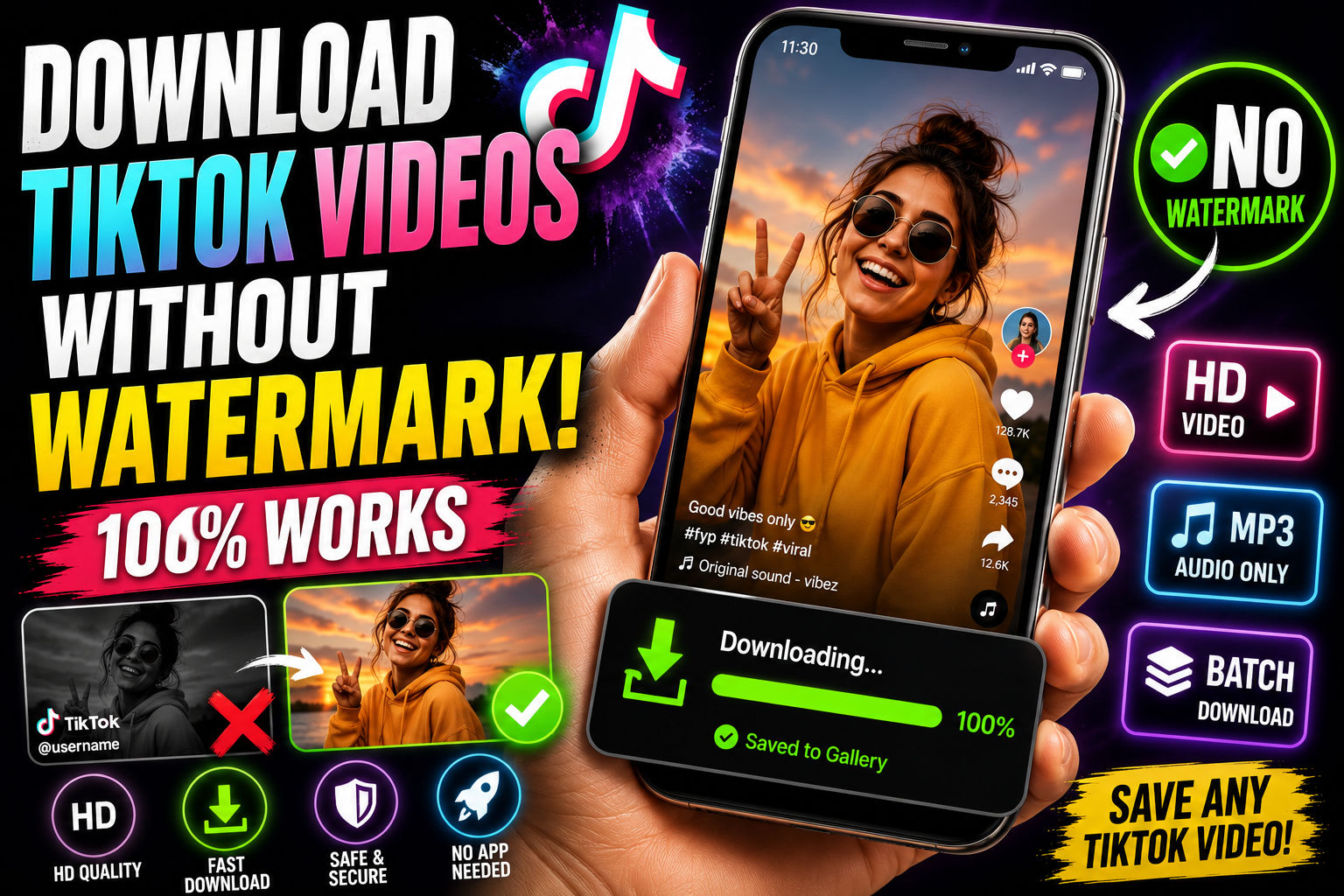
How to Download TikTok Videos Without a Watermark
TikTok's own "save video" feature drops its logo right into the corner of every clip, and if you didn't turn that off — or the creator disabled downloads entirely — you're stuck with screen recording, which looks even worse. If you want an actual clean copy of a TikTok video, the fix is a downloader tool that pulls the original file, watermark-free.
Why the built-in TikTok save button isn't good enough
TikTok's native download option exists mainly so people can repost clips within the TikTok ecosystem, which is exactly why it stamps a watermark on everything — it's a built-in advertisement for the app itself. That's fine if you're just resharing on TikTok, but it's a problem if you're saving a video for personal use, editing it into something else, or just want it to look clean in your camera roll.
Step-by-step: downloading a TikTok video
Open the TikTok video you want to save.
Tap the Share arrow and select "Copy Link."
Go to Video Save Now and paste the link into the download box.
Choose HD quality if it's available — TikTok videos are often uploaded at higher resolution than what gets shown in-app.
Download and the video saves without any watermark, logo, or username overlay.
What if the creator disabled downloads?
Some creators turn off the built-in save option entirely. A browser-based downloader can often still pull the video since it's working with the public video link rather than TikTok's in-app save permission — but this only applies to videos you can already view publicly. It won't work around a private account or a video that's been taken down.
Saving a TikTok slideshow
TikTok slideshows (photo posts set to music) work a little differently than regular videos, but the process is the same on your end: copy the link, paste it in, and download. You'll get either the slideshow rendered as a video or the individual images plus the audio track, depending on the tool.
Getting just the sound
TikTok is where a huge number of trending sounds and songs actually start. If you want the audio without the video — to use in an edit, save for later, or just listen to on repeat — an audio-only download option skips the video entirely and gives you a clean MP3.
Batch downloading multiple videos
If you're saving several videos from the same creator or a saved TikTok collection, doing them one at a time is tedious. Some tools support pasting multiple links at once, so you're not repeating the copy-paste cycle for every single clip.
Is downloading TikTok videos okay?
Saving a TikTok for yourself — to rewatch offline, use as a reference, or keep before it potentially gets taken down — is standard personal use. Reposting someone's TikTok as your own without credit, or using it commercially, is where you'd actually be doing something wrong. Most people downloading TikToks are nowhere near that line.
Why People Download TikTok Videos
Repurposing content across platforms. A large share of TikTok downloads happen because creators and marketers want to reuse a clip elsewhere — reposting to Instagram Reels or YouTube Shorts, embedding it in a website, or using it in a compilation. For any of that to look clean and professional, the video needs to be free of TikTok's watermark and username stamp, since a watermarked clip immediately signals it was lifted from somewhere else.
Saving content before it disappears. Creators delete videos, deactivate accounts, or get banned regularly, and TikTok trends move fast enough that a video that's everywhere one week can be nowhere the next if the original gets taken down. Downloading something the moment you see it protects against losing access entirely.
Offline viewing. TikTok doesn't offer a reliable native way to save videos for guaranteed offline playback outside the app. If you're traveling, commuting through a dead zone, or just trying to avoid burning through mobile data, having a handful of downloaded videos ready to go is the practical solution.
Sound discovery and reuse. TikTok is arguably the single biggest driver of trending audio clips across the internet right now. A huge number of downloads are really about the sound rather than the video — identifying a song, saving a voiceover style, or reusing an audio clip in your own edit.
Reference and inspiration libraries. Recipe TikToks, tutorial TikToks, workout TikToks — a lot of people build a personal collection of saved videos they can search through later without relying on TikTok's own algorithm to resurface the same content again.
TikTok's Built-In Save Feature vs. a Proper Downloader
It's worth being clear about the difference here, since a lot of confusion comes from assuming TikTok's own save button does the same thing as a dedicated downloader tool.
TikTok's native save option (found under the Share arrow, then "Save video") does technically let you download a video directly within the app, but it stamps a visible watermark — TikTok's logo plus the creator's username — into the corner of the video, every time, with no way to turn it off. This exists specifically so that any video saved and reposted elsewhere still promotes TikTok and credits the original creator, which makes sense from TikTok's perspective but is exactly the problem if you actually want a clean copy for personal use or for repurposing into your own content.
A dedicated downloader tool instead retrieves the underlying video file directly, without adding anything on top — you get exactly what was uploaded, no logo, no username overlay, no added branding.
Step-by-Step: Downloading a TikTok Video (Expanded)
Step 1: Open the video you want to save, either in the TikTok app or on tiktok.com through a browser.
Step 2: Tap the Share arrow (usually on the right side of the screen while viewing the video).
Step 3: Select "Copy Link." This copies the direct URL to that specific video.
Step 4: Go to Video Save Now in your browser.
Step 5: Paste the link into the input field.
Step 6: Choose HD quality if it's offered — TikTok videos are frequently uploaded at a higher resolution than what's shown by default in the app's compressed preview.
Step 7: Download. The file saves without any watermark, logo, or username stamp, at the quality you selected.
When a Creator Has Disabled Downloads
Some creators turn off TikTok's built-in "Save video" option entirely, usually to prevent their content from being reposted elsewhere without credit. A browser-based downloader tool can sometimes still retrieve the video in this situation, since it's working directly with the public video link rather than relying on TikTok's in-app save permission specifically — but this only applies to content that's still publicly viewable. If the creator's account is private, or the specific video has been removed, a downloader can't retrieve something that isn't publicly accessible in the first place, and it shouldn't be able to.
Downloading TikTok Slideshows
TikTok slideshows — photo posts set to music rather than a continuous video — are handled slightly differently by different tools. Some will render the slideshow as a single video file combining all the images with the audio track; others offer the individual photos and the audio separately. Either way, the same copy-link-and-paste process applies as the starting point; the difference is just in what format you end up choosing once you've pasted the link in.
Getting Just the Audio
Given how central sound is to TikTok's culture, it's worth calling out the audio-only download option specifically. If you've heard a sound you want to reuse, identify later, or just listen to without the video, choosing an MP3-only download instead of the full video gives you a small, clean audio file rather than a much larger video you don't actually need.
Common Problems and Fixes
"Video unavailable" error. This usually means the video has been deleted, the account has been deactivated, or the content has been made private since you first saw it. There's no way to retrieve a video after it's actually been removed by TikTok or the creator.
Watermark still appears despite using a downloader. Double check you're not accidentally using TikTok's own built-in save option instead of the dedicated downloader tool — the native option is the one that always adds a watermark, by design.
Download works for some videos but not others. Private accounts are the most common cause. If a video is only viewable by approved followers, a downloader can't retrieve it, since it doesn't have access to anything beyond what's publicly viewable — the same restriction as any other visitor to the profile.
Quality looks lower than expected. Make sure you're selecting the highest quality option offered rather than a default lower setting — some tools default to a smaller file size unless you explicitly choose HD.
Batch Downloading Multiple TikTok Videos
If you're saving several videos from the same creator, or working through a saved TikTok collection, doing them one at a time is slow. A practical workflow: scroll through and copy each video's link into a notes app first, then work through the downloader tool pasting one link after another in sequence, rather than switching back and forth between TikTok and the browser tool for every single video.
Is Downloading TikTok Videos Legal?
Saving a TikTok for personal use — rewatching it offline, keeping something as a reference, saving a video before it potentially gets taken down — is normal, everyday behavior that isn't something to worry about. What actually crosses a line is reposting someone else's TikTok as your own without credit, using it commercially without permission, or claiming it as your own original content. TikTok's own terms of service technically restrict downloading through third-party tools in most cases, but enforcement in practice is focused almost entirely on large-scale, commercial redistribution — not an individual saving a single video for personal, non-commercial use.
TikTok Trends Move Fast — Save Things When You See Them
More than almost any other platform, TikTok content has a short shelf life in terms of visibility, even when the video itself technically stays up. A trend that's everywhere this week is often buried and forgotten within a month, and creators frequently go back through old content and delete videos that no longer represent their current style or brand. If a video taught you something, made you laugh, or is something you'll want to reference later, the safest approach is downloading it the moment you see it rather than assuming you'll be able to find it again through search or your following feed weeks later.
TikTok Downloads for Small Creators and Businesses
A specific and increasingly common use case: small brands and creators use TikTok downloads to build swipe files of successful content formats — not to copy them outright, but to study pacing, hook structure, and editing style from videos that performed well, either their own past content or, for research purposes, publicly available examples from the wider platform. This kind of use sits squarely within normal, personal/research use as long as the downloaded content isn't reposted or passed off as original work — the download is for study and reference, not redistribution.
Storage and File Management for TikTok Downloads
TikTok videos are typically short — most fall between 15 seconds and 3 minutes — which keeps individual file sizes small compared to longer-form content from other platforms. A typical HD TikTok download lands somewhere around 5-15MB. Even so, if you're an active downloader building out a reference library or saving a lot of content from favorite creators, this adds up — a hundred saved videos could easily take up close to a gigabyte. It's worth periodically clearing out ones you've already used, referenced, or reposted, the same way you'd manage any other collection of media on your phone.
Editing and Repurposing Downloaded TikToks
Once you have a clean, watermark-free video file, you can genuinely repurpose it — trim it, combine it with other clips, add your own captions or branding, or convert it for use on a completely different platform. This is the entire reason watermark-free downloads matter so much in this specific niche: a TikTok with the app's own logo baked into the corner looks unfinished and obviously borrowed the moment you try to repost it anywhere else, whereas a clean download gives you a genuine blank canvas to work with in whatever editing app you prefer.
Privacy Considerations
A downloader tool that only needs the public video link — no TikTok login required — is safer from a privacy standpoint than one that asks for your actual account credentials. Be cautious of any tool requesting a TikTok username and password directly; a legitimate downloader only needs the link itself, since that's all that's required to access anything already publicly viewable.
A Quick Comparison: TikTok Download Methods
MethodWatermark-freeQualityRequires InstallWorks if downloads are disabled by creatorBrowser-based tool (like Video Save Now)YesOriginal, HD availableNoOften, for public videosTikTok's native "Save video" NoGood, but stampedNoNoScreen recordingNo (captures UI)Reduced (double-compressed)No, built-in featureYesThird-party appsInconsistentVariesYesInconsistent
Frequently Asked Questions
Can I download a TikTok from a public account without following them? Yes — as long as the account and video are public, no follow is required to view or download it, the same as any public content.
Does downloading notify the creator? No. Copying a link and downloading through a browser-based tool works the same as simply viewing the video, and TikTok doesn't notify creators when their public content is viewed or saved this way.
Can I download a TikTok Live replay? If the creator has chosen to keep a replay of their Live stream available afterward, yes — the same copy-link process applies, though not all creators leave Live replays available for long after the stream ends.
What if the video has been reposted by someone else through a duet or stitch? You can download the duet or stitch version the same way, though this gives you the combined video rather than isolating just the original creator's original clip.
Is there a difference in downloading on mobile versus desktop? No — the process works identically either way, using tiktok.com in a desktop browser instead of the app.
A watermark-free TikTok download doesn't require jailbreaking anything or screen recording around a logo. Copy the link, drop it into Video Save Now, and get the original file in seconds.